Technical specifications
The full range, in one matrix.
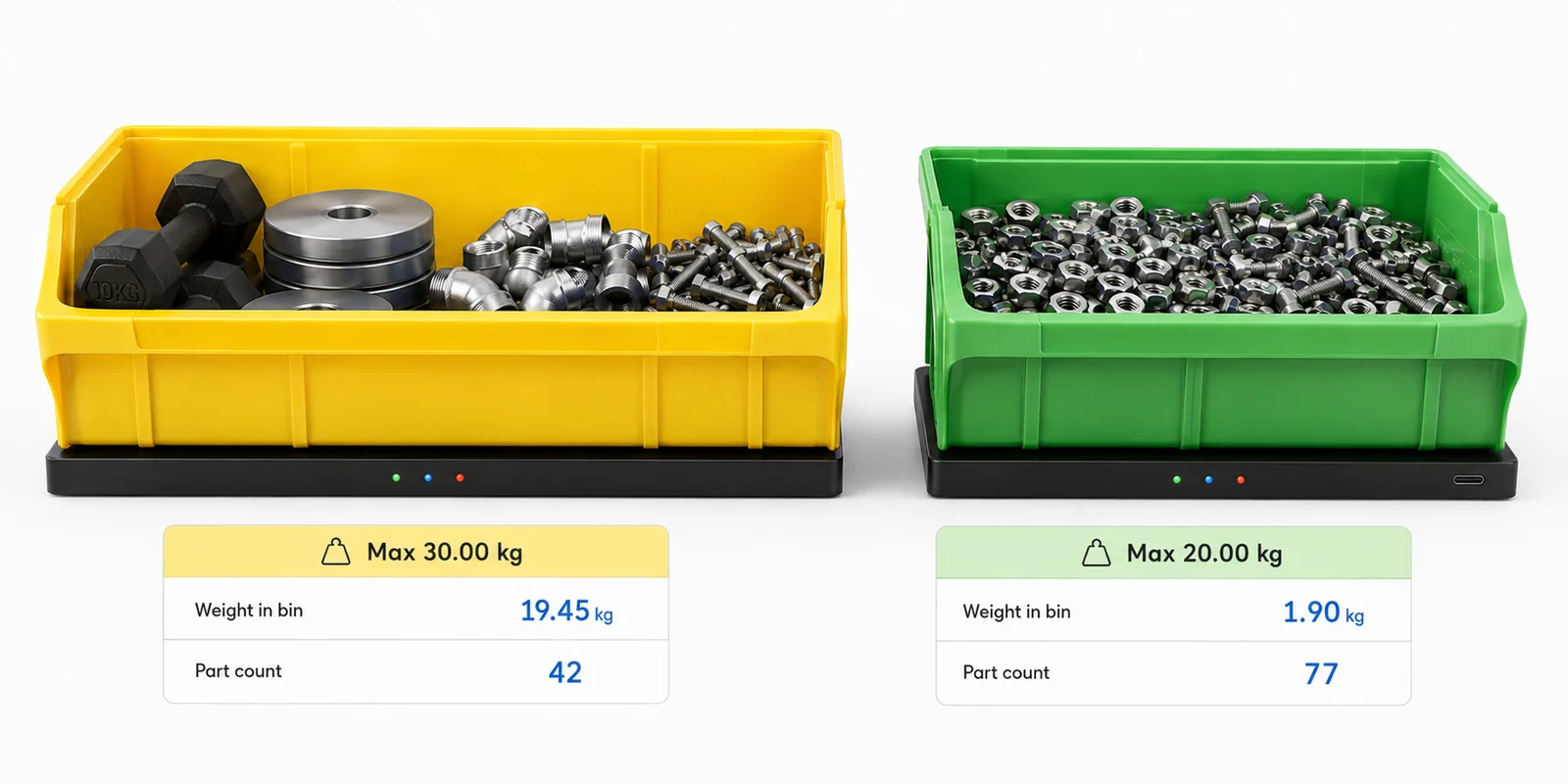
Platforms are specified by footprint and capacity. Pick the size that matches the bin and the capacity that covers the parts inside — every combination below is a standard build, and anything beyond it is made to order.
| Footprint | 1 kg | 3 kg | 5 kg | 10 kg | 20 kg | 30 kg | 50 kg |
|---|---|---|---|---|---|---|---|
| Compact 150 × 210 mm | MBS-C01±2 g |
MBS-C03±6 g |
MBS-C05±10 g |
MBS-C10±20 g |
MBS-C20±40 g |
MBS-C30±60 g |
MBS-C50±100 g |
| Standard 200 × 300 mm | MBS-S01±2 g |
MBS-S03±6 g |
MBS-S05±10 g |
MBS-S10±20 g |
MBS-S20±40 g |
MBS-S30±60 g |
MBS-S50±100 g |
| Large 370 × 300 mm | MBS-L01±2 g |
MBS-L03±6 g |
MBS-L05±10 g |
MBS-L10±20 g |
MBS-L20±40 g |
MBS-L30±60 g |
MBS-L50±100 g |
| Extra large 410 × 450 mm | MBS-X01±2 g |
MBS-X03±6 g |
MBS-X05±10 g |
MBS-X10±20 g |
MBS-X20±40 g |
MBS-X30±60 g |
MBS-X50±100 g |
| Custom Made to order | Custom footprint and capacity — contact us with your bin dimensions and part weights | ||||||
Part-count accuracy depends on the weight of a single part relative to the platform resolution. Heavier parts count reliably on higher-capacity platforms; light parts are best matched to a 1, 3 or 5 kg unit. Not sure which to pick? Price my system picks for you.
Scale specifications All models
- Profile height: Slim
- Housing: glass-filled nylon deck, powder-coated steel base
- Buttons: Tare and Calibrate
- Status light: off in normal use; blinks blue, green, amber, red or white during calibration and taring
- Update rate: 1 update / minute
- Connectivity: USB-C (power + data), daisy-chained scale to scale
- Devices per gateway: up to 100
- Power: via USB-C, supplied by the Gateway
- Ingress protection: IP54
- Operating temperature: 0 – 50 °C
- Data output: web app
- Country of origin: Australia
Gateway MBS-GATEWAY
- Network interface for one chain — wired Ethernet (no Wi-Fi)
- Powers and reads up to 100 scales
- USB-C downstream to the first scale
- Keeps readings if the network drops and sends them when it reconnects
- Reports its health every 5 minutes: scale cable, scales answering
- Paired to your account with the setup code on its label
StockMonitor app Cloud, browser-based
- Dashboard with total parts, low, empty and offline bins
- Bin list with counts, % full, min and max levels
- Low-stock, empty, overfull, scale and gateway offline alerts by email
- Activity log of every stock change and calibration
- CSV export and bulk CSV import
- Read-only API for your ERP, such as Sage X3
- Admin and Viewer users, two-step sign-in for everyone
- Multiple sites, each in its own time zone
Every chain needs one Gateway. It powers the scales over USB-C and sends their counts to the StockMonitor app over wired Ethernet.
How does the system connect?
Scales chain together with USB-C, which carries power and data. One Gateway per chain of up to 100 scales connects to your network by Ethernet cable, and every count appears in the StockMonitor app.

Ask an engineer
Have a question about your parts or bins?
Ask it here. It goes straight to the people who design the system, and we reply by email. No sales call needed.